Live terminals
Every agent runs in a real terminal you can type into, scroll back through and take over. Open plain shells beside them for logs, servers and builds.
One interface for every agent, on every machine, across every project. Run Claude Code, Codex, OpenCode or any other CLI on your Macs and Linux servers, and steer all of them from your Mac, iPad or iPhone.
Open source. Bring your own agents, models and subscriptions. iPad and iPhone apps are in App Store review. Join the waitlist
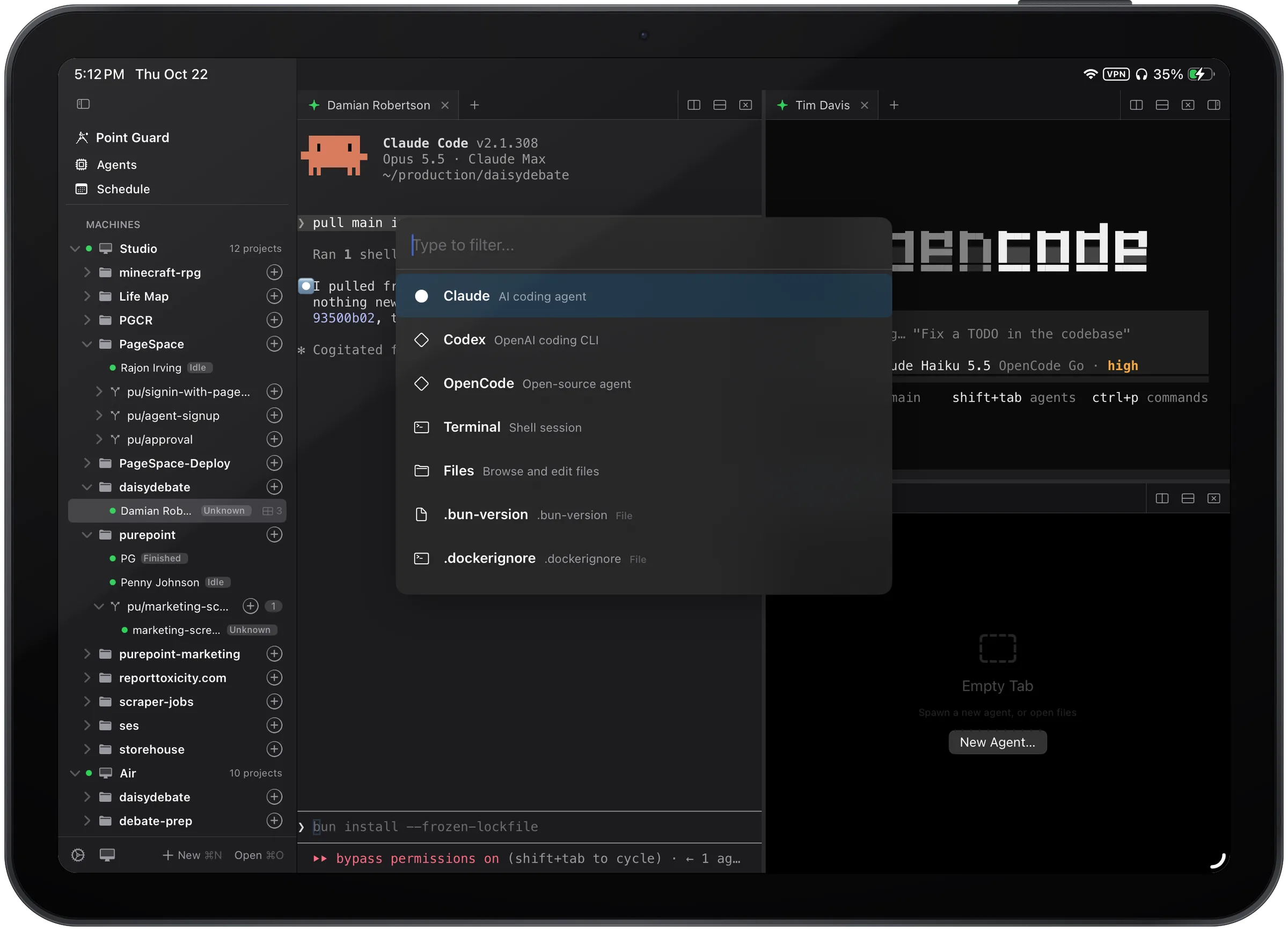
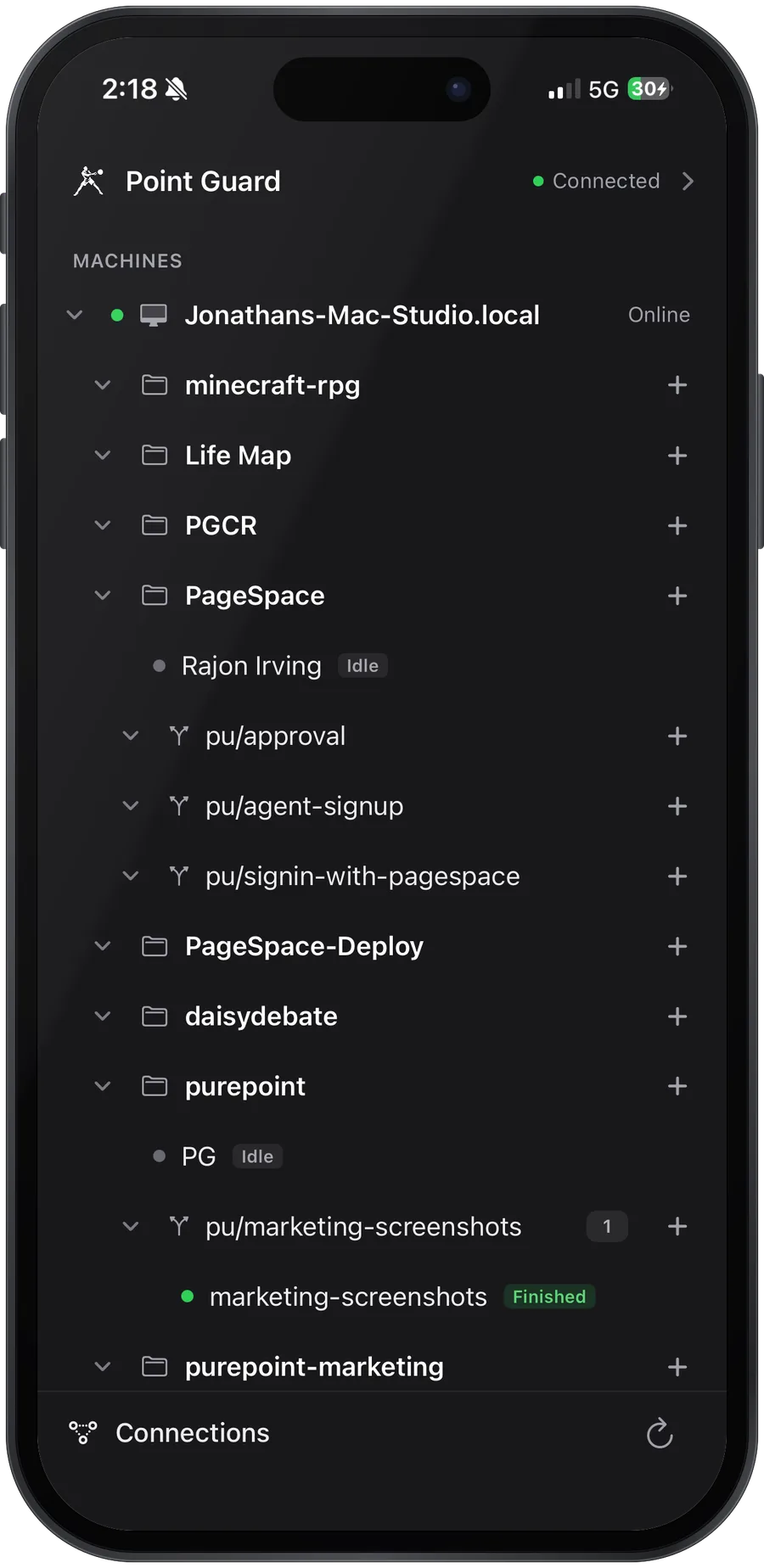
Add a Mac or Linux box over SSH and its projects, worktrees, agents, terminals, files and git changes appear in your sidebar next to your local ones. Agents run on the machine that holds the code, so they keep working when you close the laptop and leave.
Mac, iPad, iPhone and the pu command line.
Over the SSH access you already have, with no hosted relay. Phones pair with a one-time code.
This Mac, your other Macs, and Linux servers that keep going while your laptop sleeps.
Pair with one agent on a tricky bug, with its code open in a real editor and its diff beside it, while a swarm audits another repo overnight. Each agent sits wherever you put it on this scale, and you can move it at any time from any device.
Read its diff, fix the code yourself in the built-in editor, or type into its terminal and take over mid-run. No second app needed.
Keep live output and status for every agent on screen, on your Mac, iPad or a view-only phone.
Walk away. Your phone buzzes when an agent needs permission, asks a question, finishes or fails, and you answer from there.
Schedule swarms on a server, let Point Guard run them, and read what they did when you're back.
Every agent runs in a real terminal you can type into, scroll back through and take over. Open plain shells beside them for logs, servers and builds.
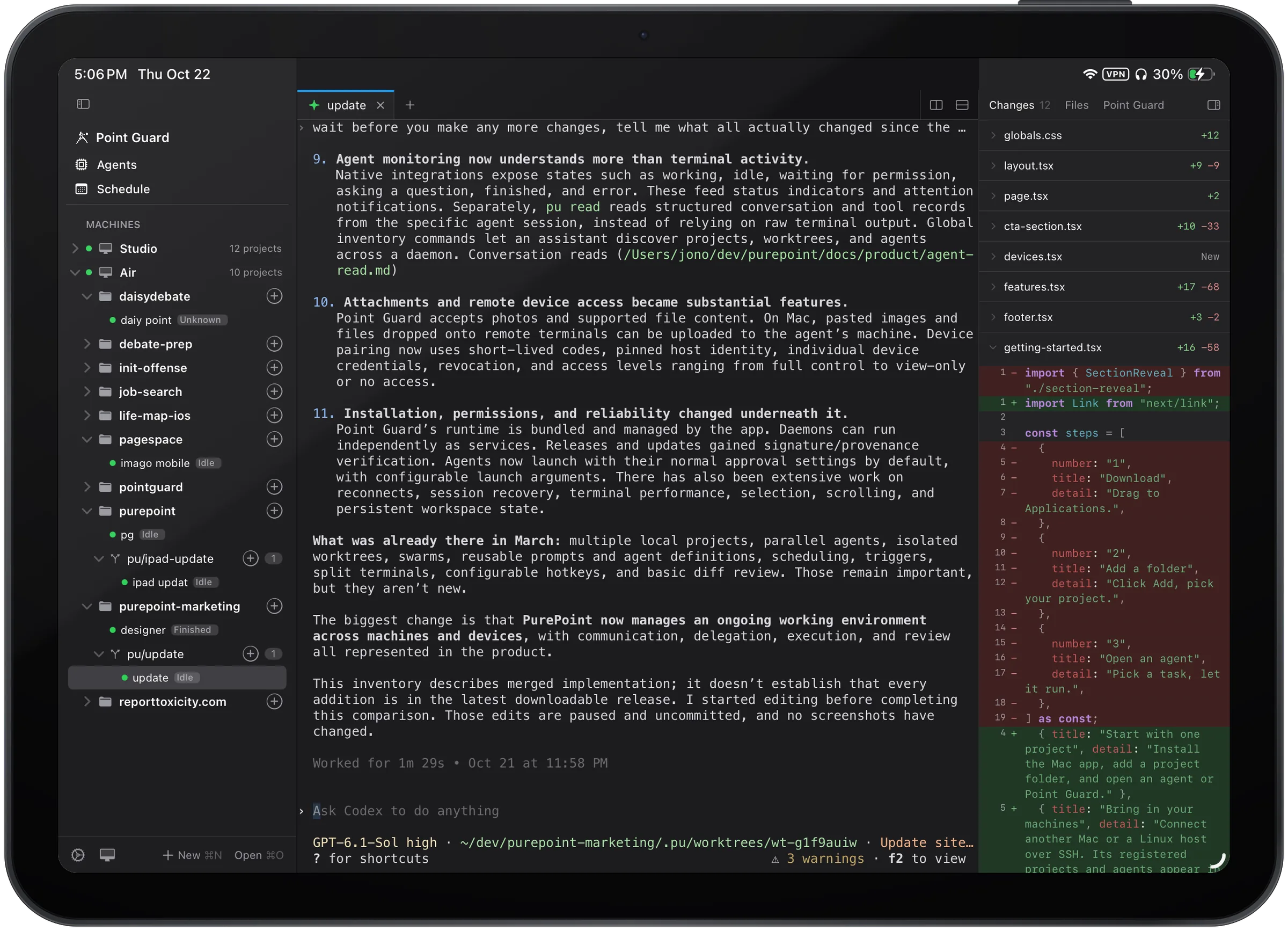
Open the file an agent just changed and edit it beside that agent's terminal. Files, shells and agents share tabs you can split, stack and move between panes.
See what each agent's branch changed since main, all at once or commit by commit, with staged, unstaged and untracked files listed separately.
Point Guard is an assistant that sees every project, worktree and agent on your machines and drives them with pu. Ask it what needs you from your Mac or your phone; it’s the same conversation on both.
One agent per worktree, five sharing one, or an agent beside a dev server and a log tail. Combine agents, terminals and worktrees however the work needs.
Whatever combination works, save it once and relaunch it with one command.
Run an agent or a whole swarm nightly or weekly, on whichever machine you choose.
Pick Point Guard's provider and model. Mix Claude Code, Codex and OpenCode in one swarm.
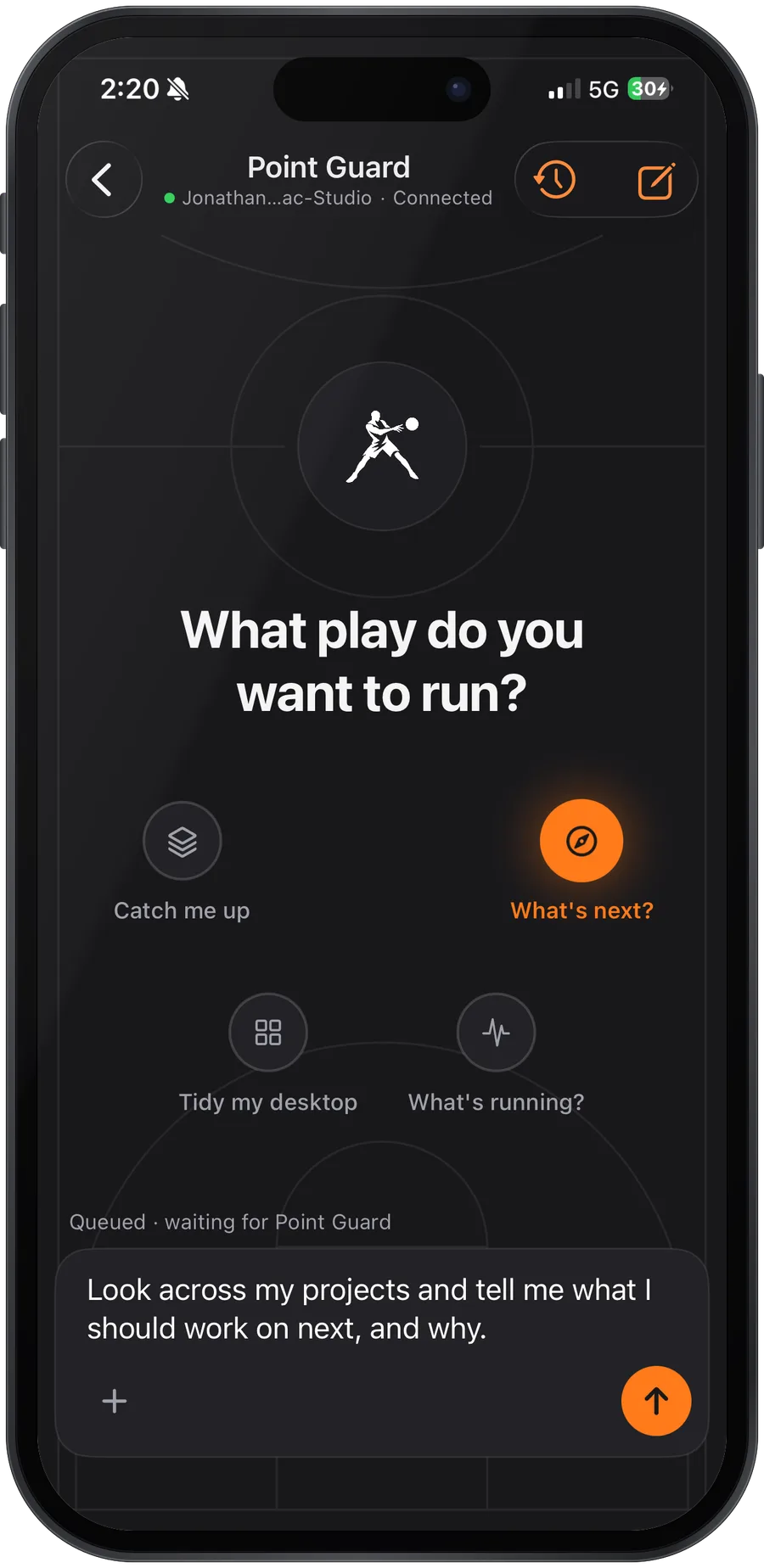
Pick any starting point. Add the others whenever you want, and everything you connect shows up on every device.
The full workspace, for macOS 15 or later. The daemon, the pu CLI and Point Guard come with it.
Agents that keep working while your laptop sleeps.
Connect to a Mac or Linux box over SSH, or pair your phone by scanning a code from pu phone pair.
Add any Mac or Linux box you can SSH into, from the sidebar or the command line.
Your machines, your agents, your rules. Open source, no hosted relay, per-device access you can revoke, and signed updates.
View the source